
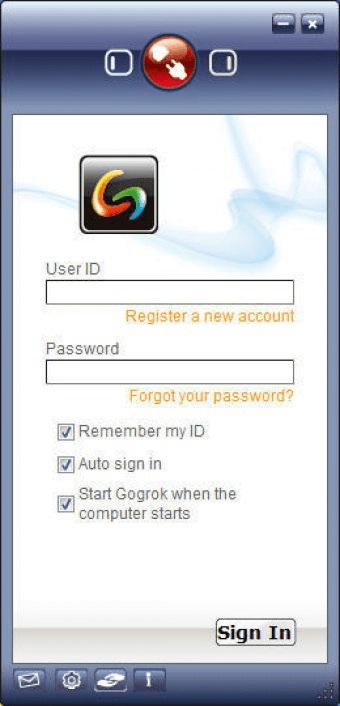
Gogrok is a program that allows you to work remotely on an application. By using this program you will be able to work together with other people who are physically far from you, even in different countries, through the Internet. Gogrok lets you share programs, desktop or files with other co-workers, while allowing you to speak with them using its voice capabilities. In order to use Gogrok, you'll need to create an account. You will be able to do this through the first screen of the program. Once you have done it, you can shut the registration window and enter your username and password in the main window. If this is the first time that you use the program, you will have to choose the program that will provide the voice and contact list. The supported programs are Windows Live Messenger and Skype. You can choose the desired contacts from your list. If they don't have Gogrok installed on their PCs, the program will provide a link to install it. Once they have done it, you will be able to share everything with your selected contacts. You can talk with them using your desired instant messenger.





Comments